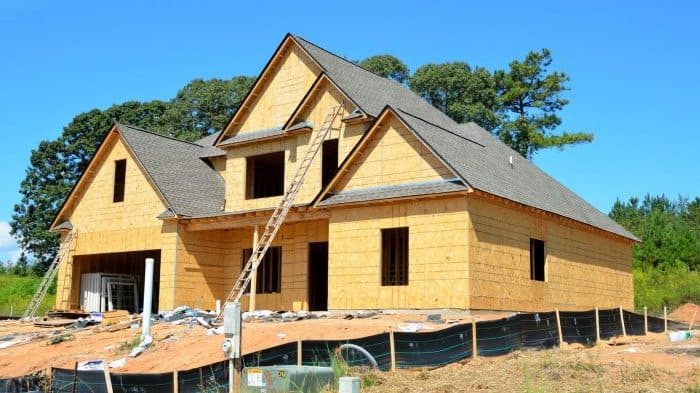
Building or gutting a house is the one moment when every wall is open and every wire is cheap. It is tempting to assume that in a wireless age pre-wiring no longer matters. In practice the opposite is true: the more a home depends on its network, the more it depends on the cabling underneath it. Wi-Fi is for phones, tablets, and laptops. Everything that stays put, from televisions and streaming devices to cameras, access points, and the equipment rack, works better on a wire, and nothing is harder to add after the drywall goes up.
What to run, room by room
- Data. Category 6A cable to every television location, every desk, and every place a device might one day sit. It carries multi-gigabit speeds and, through Power over Ethernet, can power access points, cameras, keypads, and touch panels with no outlet nearby.
- Access point locations. Wi-Fi coverage is decided by where the access points go, and the right place is usually the ceiling of a hallway or a central room, not a shelf in the office. A cable to each planned location is the difference between whole-house Wi-Fi and dead zones. We explain the choice in access points vs. mesh.
- Fiber. For long runs and for anything outside the main structure, such as a pool house, a workshop, a barn, or a boat dock, fiber carries a signal much farther than copper and, because it is glass, cannot conduct a lightning surge back into the house. Our integrated boat dock and party barn projects both depended on it.
- Audio. Speaker cable to in-ceiling and in-wall speaker locations, on the porch, and by the pool. Whole-home audio is far easier to design into a plan than to retrofit.
- Cameras and entry. A cable to each camera position, the front door, and any gate or driveway entry.
- Lighting and shades. Motorized shades need power or low-voltage wiring at each window before the trim goes on, and centralized lighting control needs its wiring planned with the electrician. Both are among the most requested features in the homes we finish, and both are nearly impossible to add cleanly later.
- Conduit. Where the future is uncertain, an empty conduit from the equipment room to key locations means tomorrow's cable, whatever it is, has a path.
Give the equipment a home
All of these cables need to land somewhere. Plan a dedicated closet or rack location that is central, cool, and out of the living space, with plenty of power and room to grow. A well-placed equipment room is why a finished home like our whole-home entertainment project has no visible electronics anywhere in it.
Timing and coordination
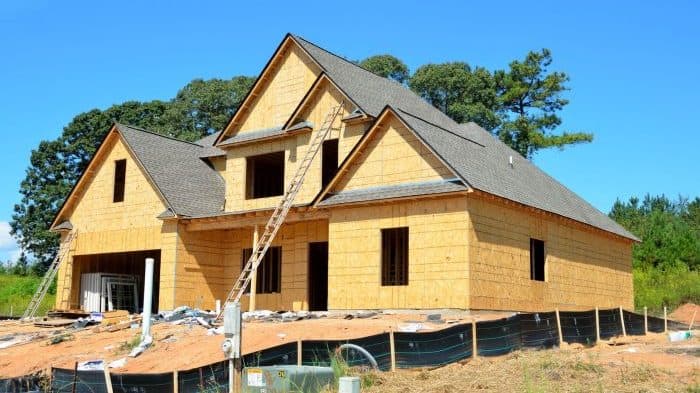
Low-voltage rough-in happens after framing and mechanical work, before insulation and drywall. The best results come when the technology plan is part of the construction documents, so the builder, the electrician, and our team are working from the same drawings. That coordination is easier when one licensed contractor is responsible for the low-voltage scope from design through trim-out, which is how we prefer to work in both Tennessee and Georgia.
What it is worth
Retrofitting a single cable through a finished wall can cost more than an entire room's worth of pre-wire, and some retrofits, such as shade wiring at a window, are simply not practical. Pre-wiring also protects the value of the home: a buyer sees a house that is ready for technology rather than one that needs it. Whether you plan a full automation system now or want the option later, the wiring is the part you cannot postpone.
If you are early in a build or a renovation, this is the right moment to talk to us. Our smart home and networking pages show what the finished infrastructure supports.