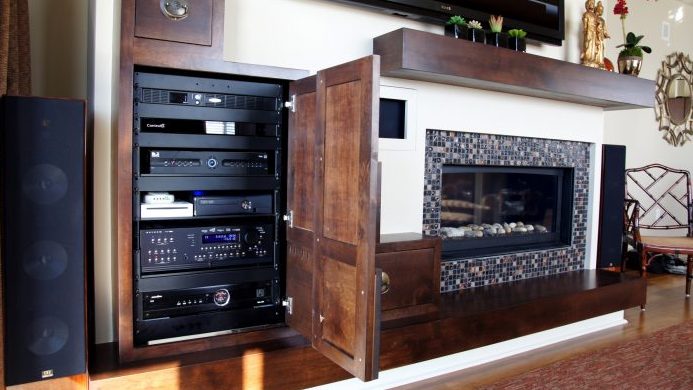
The equipment rack in a home or a conference room is full of sensitive electronics, and the power feeding it is less clean than most people assume. Three things threaten it: outages, which are obvious; surges and spikes, which in a Tennessee thunderstorm season are a matter of when; and the quiet problems of sags, brownouts, and electrical noise that shorten equipment life without ever tripping a breaker. Protecting against all three takes a small set of devices that are easy to confuse. Here is what each one does and which ones belong in your rack.
Surge protection
A surge protector diverts a sudden voltage spike away from your equipment. Every rack should have one, and the cheap power strip from the hardware store is not it: rack-grade units from manufacturers such as Furman, Panamax, and Middle Atlantic clamp faster, absorb more energy, and, importantly, disconnect the equipment entirely when they have taken a hit they cannot handle. For a whole house or building, a surge device at the electrical panel stops the largest events before they reach any outlet, and we coordinate that with the electrical work on most projects.
Power conditioning
A power conditioner filters the noise and evens out the small fluctuations that come in on the line from motors, dimmers, and the utility itself. Audio equipment is the most sensitive: hum, buzz, and a subtle loss of clarity often trace back to dirty power. Conditioners in the rack also sequence power, turning components on in the right order and off again so an amplifier never thumps a speaker, and let the control system shut down gear that does not need to run all night.
Battery backup: the three kinds of UPS
An uninterruptible power supply keeps equipment running through an outage on its battery. The three designs differ in how they handle the transition.
- Standby. Passes utility power straight through and switches to battery when it detects a loss. The least expensive, with a brief switchover gap that most equipment tolerates. Fine for a desktop computer or a small network closet.
- Line-interactive. Adds a regulator that corrects sags and over-voltages without touching the battery, so the battery is used only for real outages and lasts longer. This is the right choice for most residential racks and small conference rooms.
- Online, or double-conversion. Continuously rebuilds clean power from the battery, so there is no switchover at all and the equipment never sees the raw line. The most expensive and the standard for servers, control rooms, and anything that must not blink.
What has changed
Lithium-ion units have largely taken over from the old lead-acid batteries in rack UPS designs. They are lighter, recharge faster, tolerate heat better, and last roughly twice as long, which removes the most common maintenance item in the rack. The other change is the network card: a modern UPS reports its own status, battery health, and every power event over the network. Our Smart Care monitoring watches those reports, so a UPS that has been carrying the rack through a neighborhood outage, or a battery that is nearing the end of its life, becomes a service visit rather than a surprise.
Sizing it
The two questions are how much load, measured in watts across everything plugged in, and how long it must run. For most systems the goal is not to keep the theater going through a two-hour outage; it is to ride through the flickers and short drops that would otherwise reboot the network and the control system, and to shut everything down gracefully if the outage is long. A few minutes of runtime, sized with a margin, covers that. Networks and control processors go on the UPS; amplifiers and displays usually go on the conditioner.
What we install
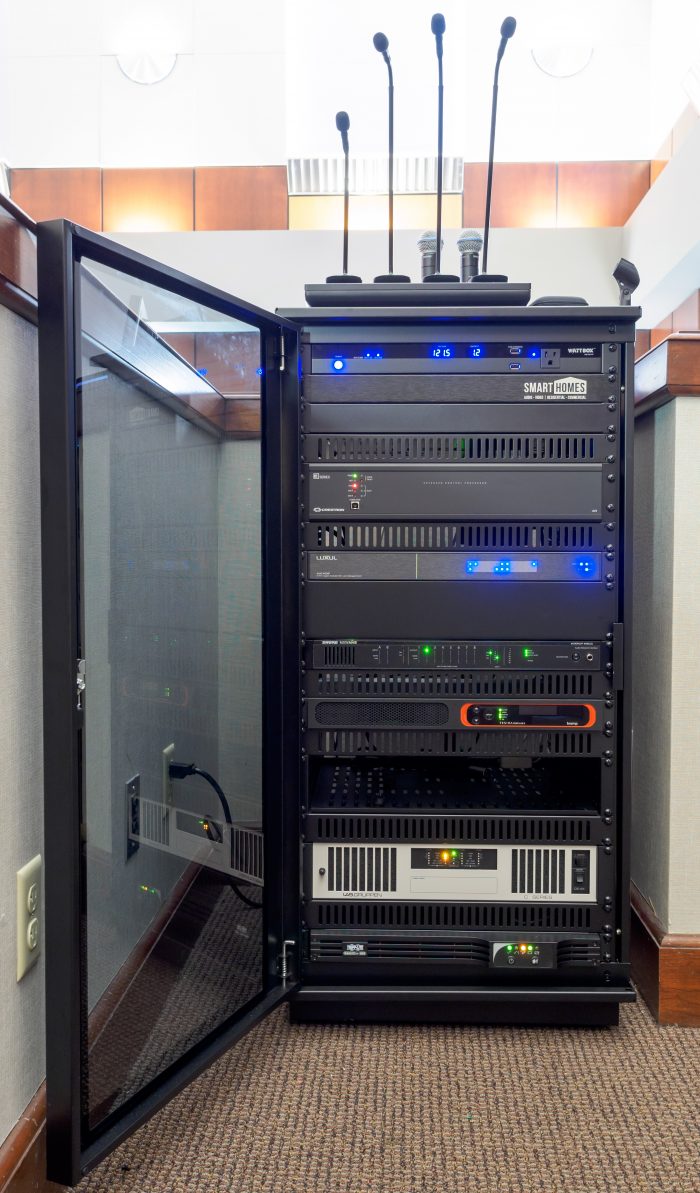
A typical residential or conference room rack gets a whole-panel surge device where the electrical scope allows it, a rack-grade surge and power-conditioning unit feeding the audio and video, and a line-interactive UPS with a network card for the network and control equipment. It is a small part of the budget and the part most often responsible for a system that keeps working when the neighbors' does not. Our guide to maintaining a smart home covers the rest of the rack, and we are happy to look at yours.